Overview
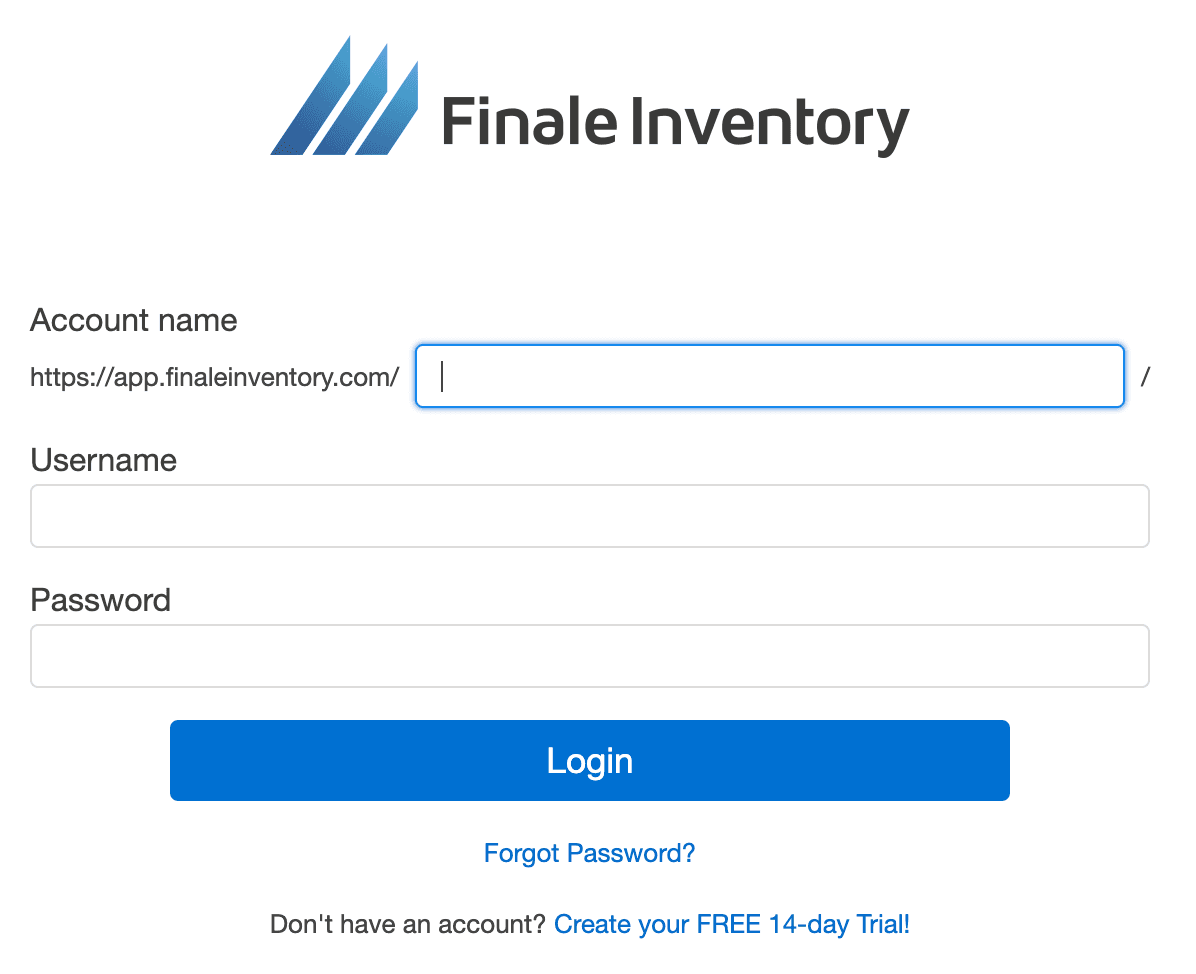
- The details you use to onboard onto the widget are your Finale account details used to sign in at:
https://app.finaleinventory.com/account-login

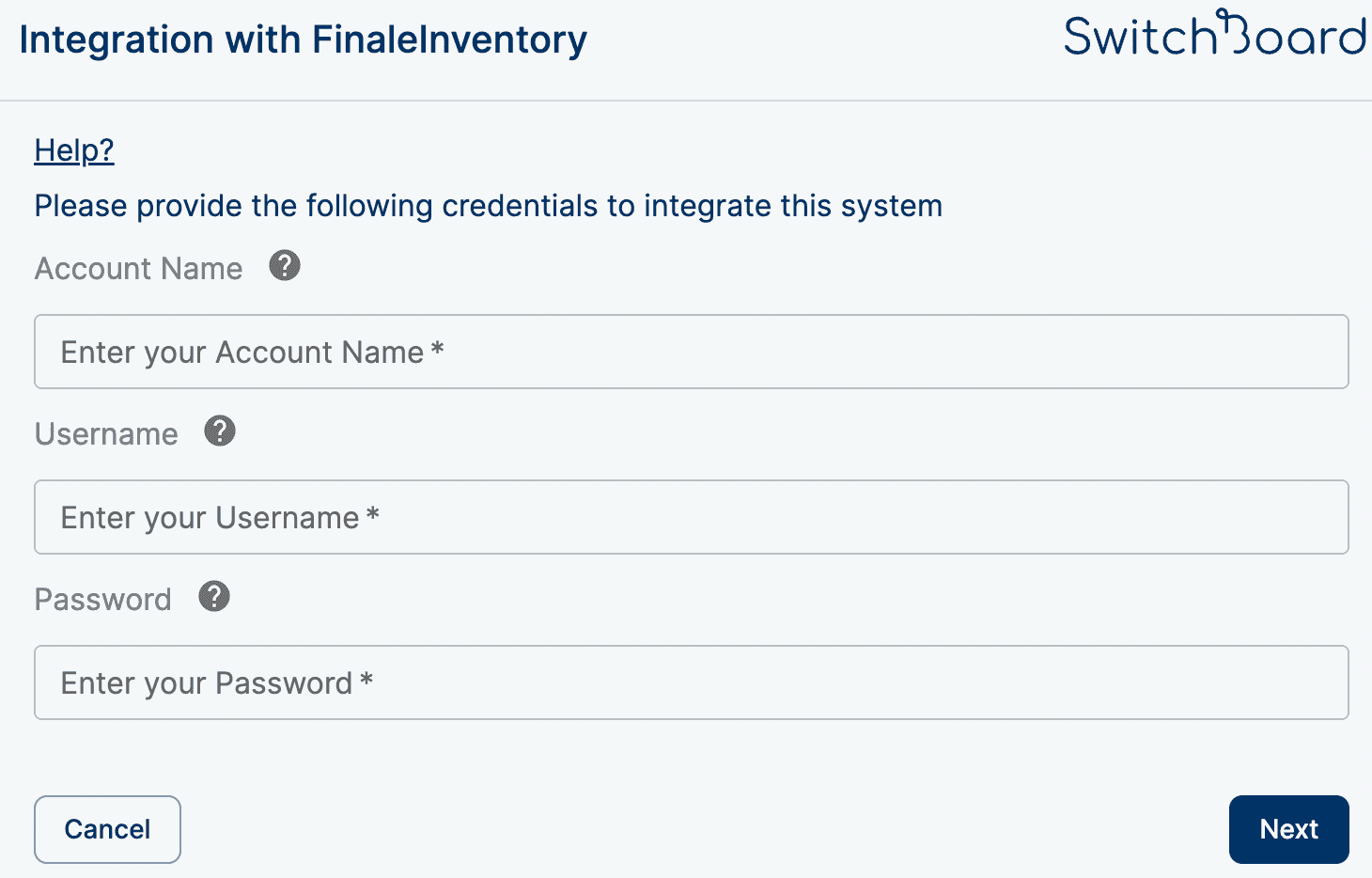
Finale Inventory Account Name
- If you’re logged in to your Finale Inventory account, your account name is in the URL bar.
Example: If the URL ishttps://sb123.finaleinventory.com, the account name is sb123.

Finale Inventory Username
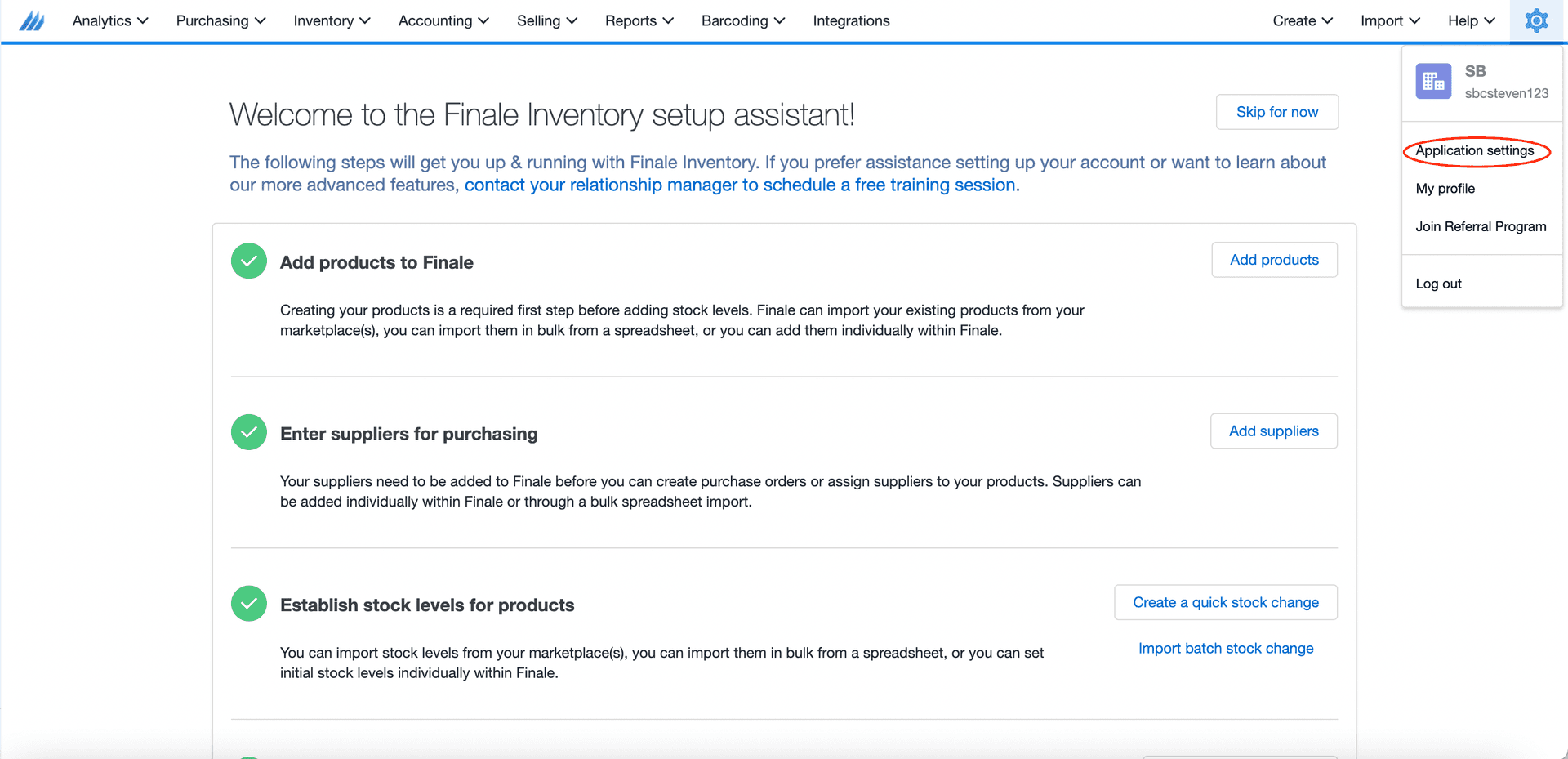
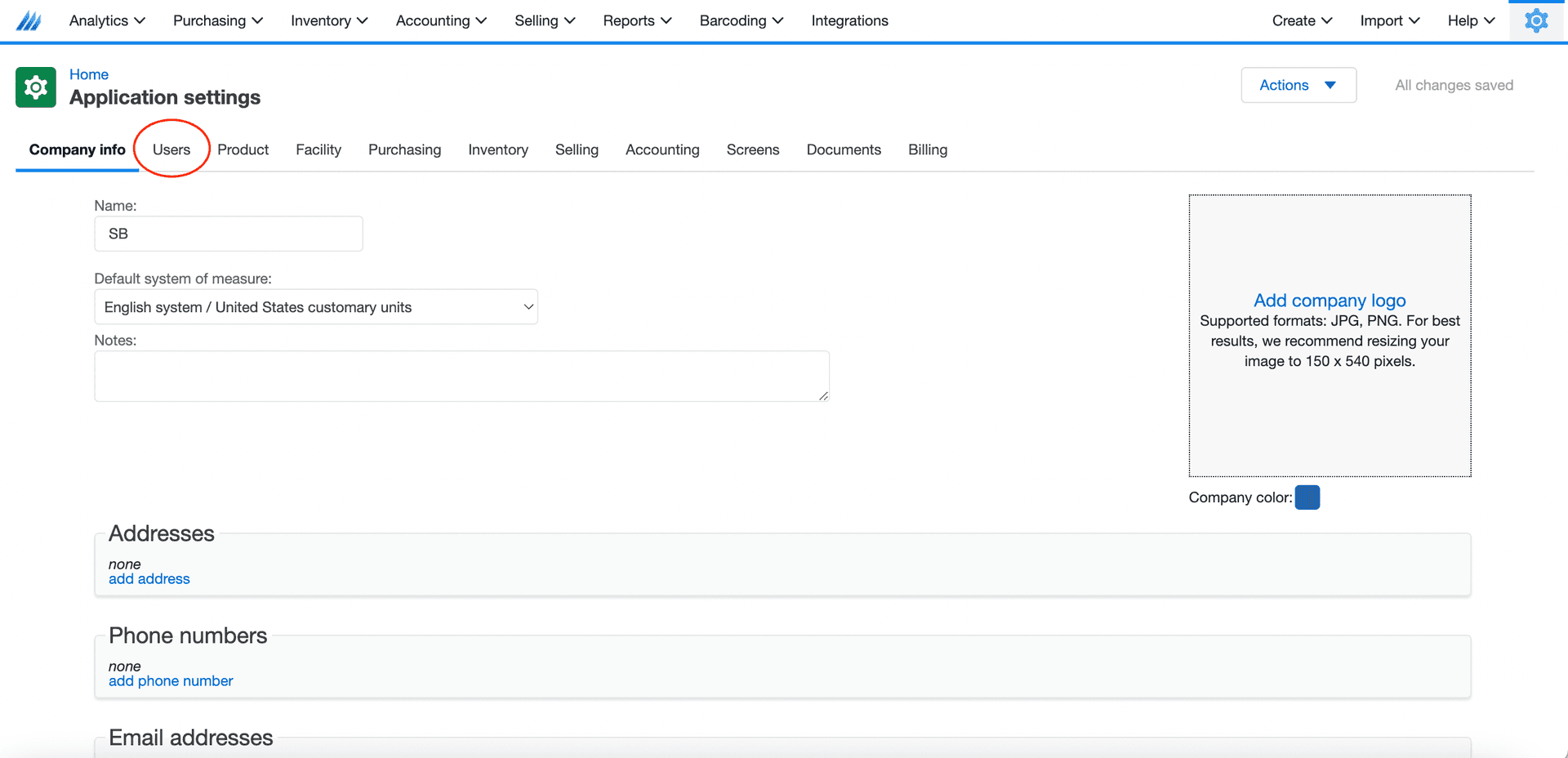
- Click on Application Settings
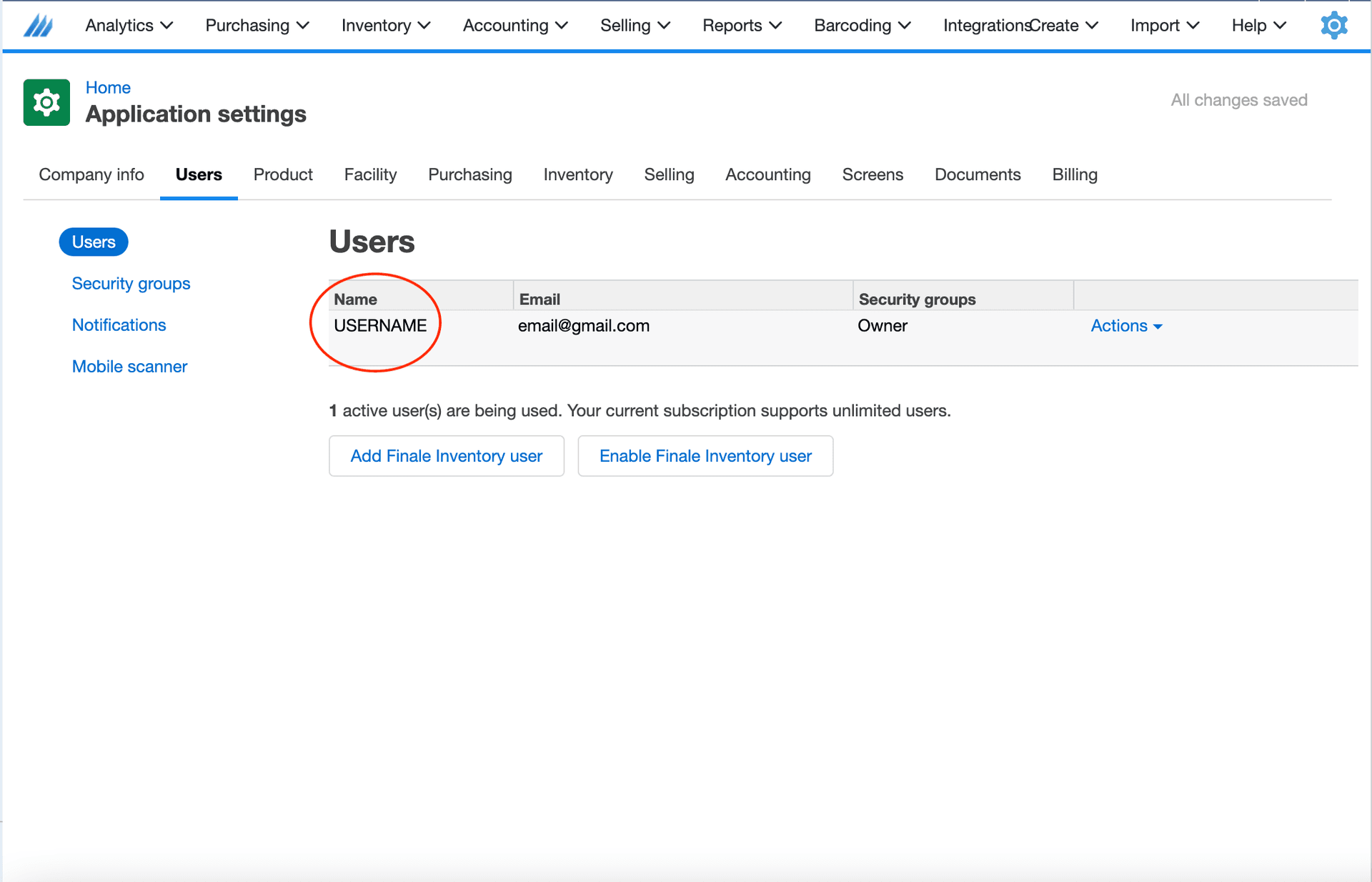
- Click on the Users tab
- Find the username under the Name column
Finale Inventory Password
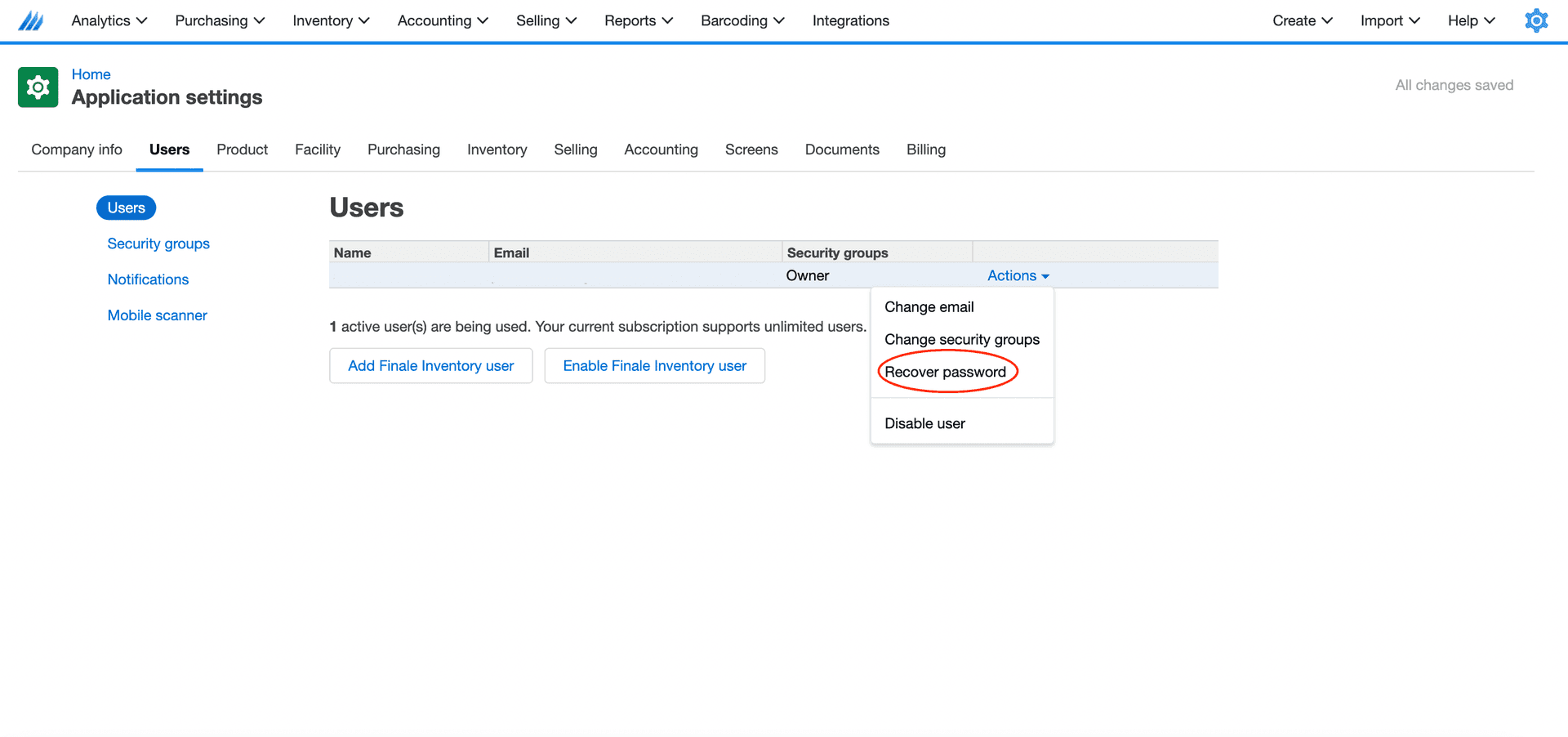
- If you don’t remember your password, go to the Users tab
- Click Action → Recover Password from the dropdown list