Odoo Integration Guide
Odoo Username
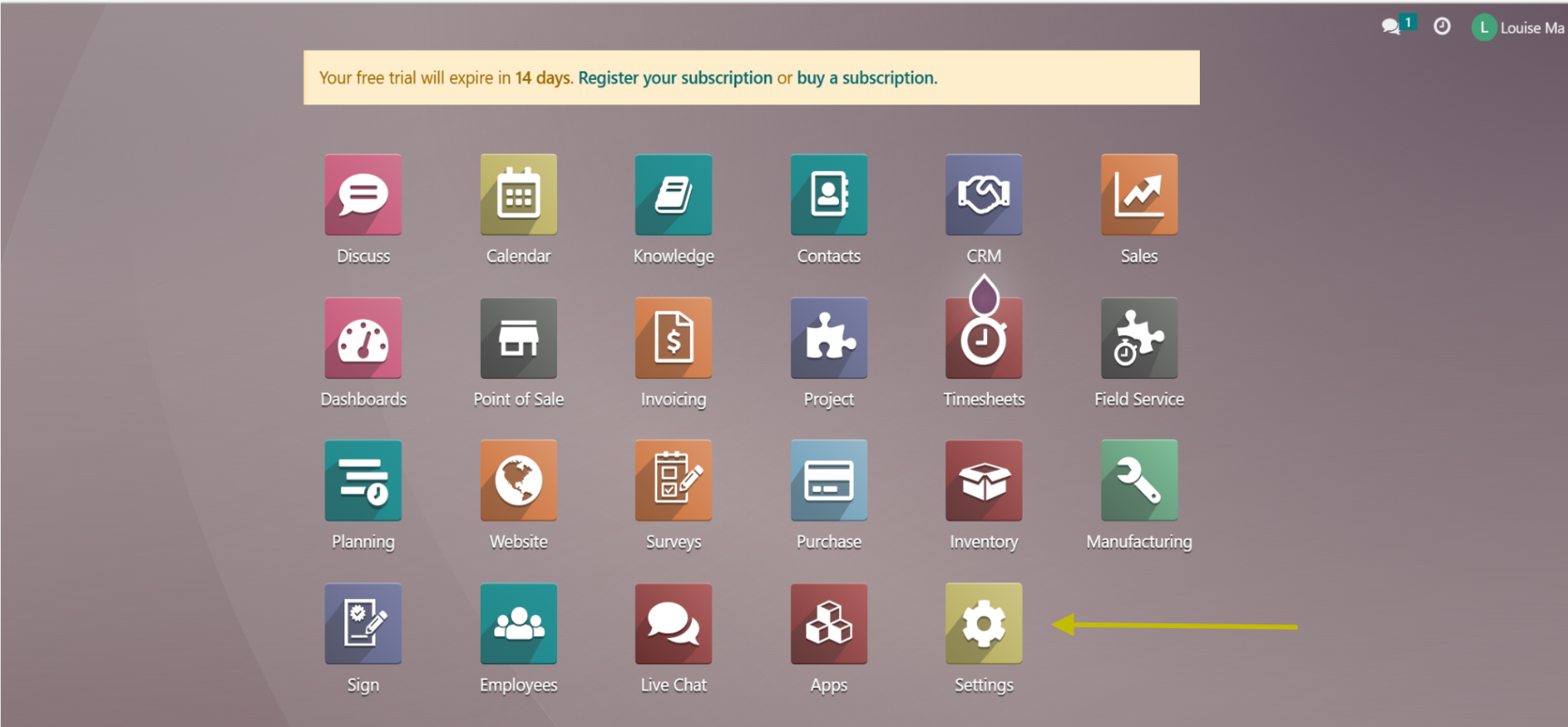
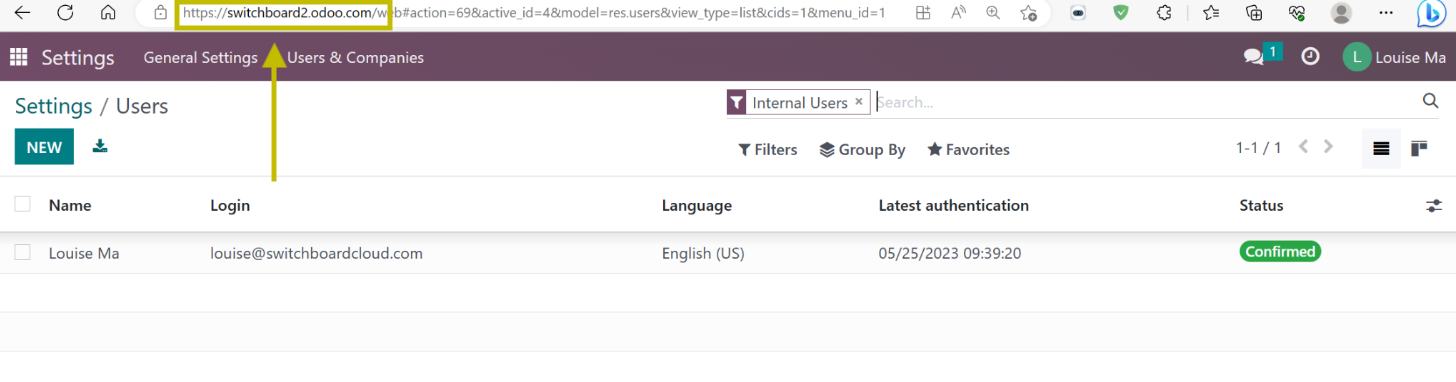
- Go to Setting
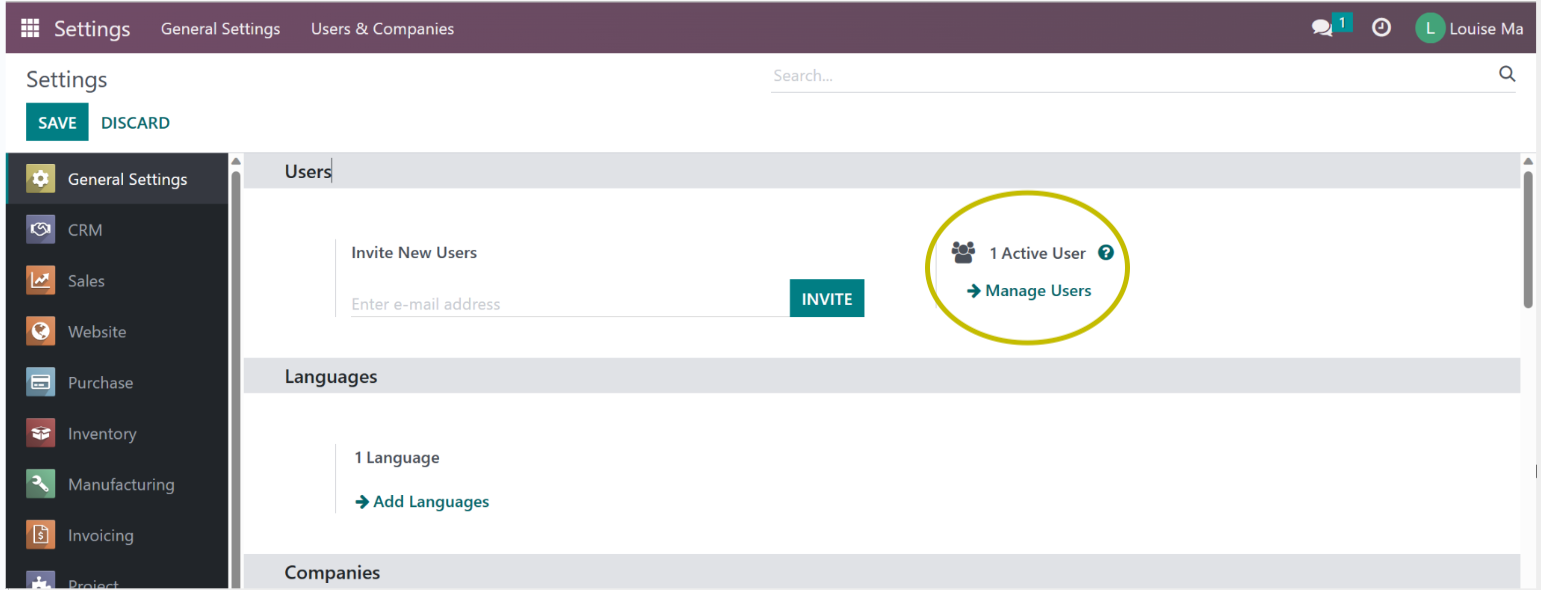
- Click on Manage Users
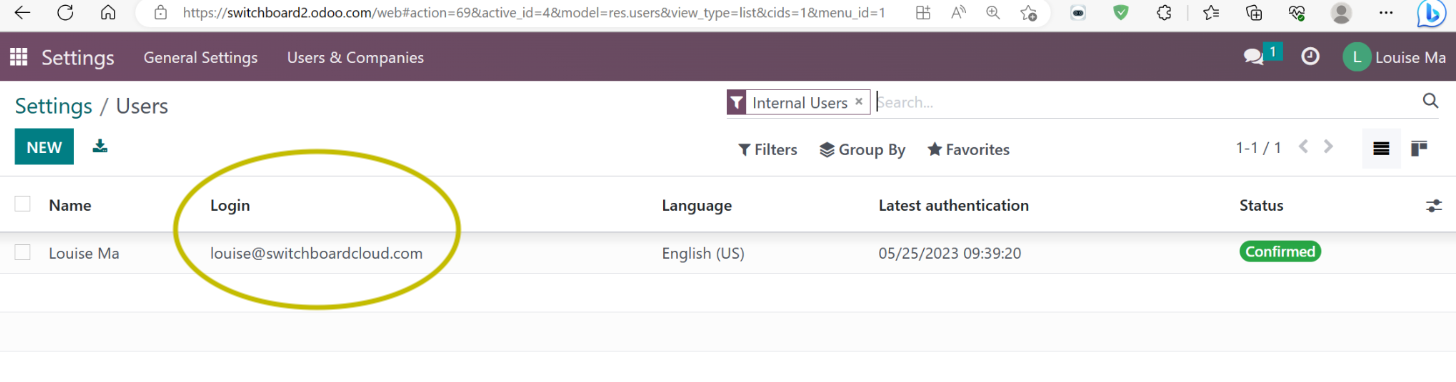
- View under the “Login” column heading (e.g.
louise@switchboardcloud.com)
Odoo Password (API Key)
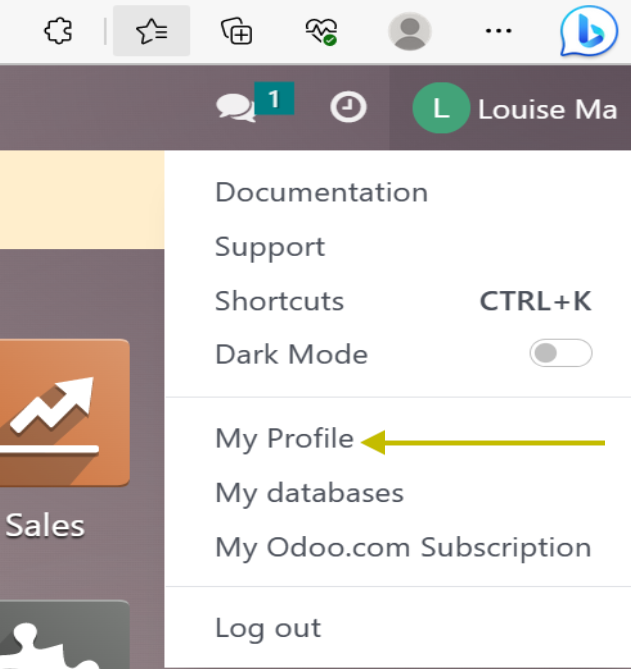
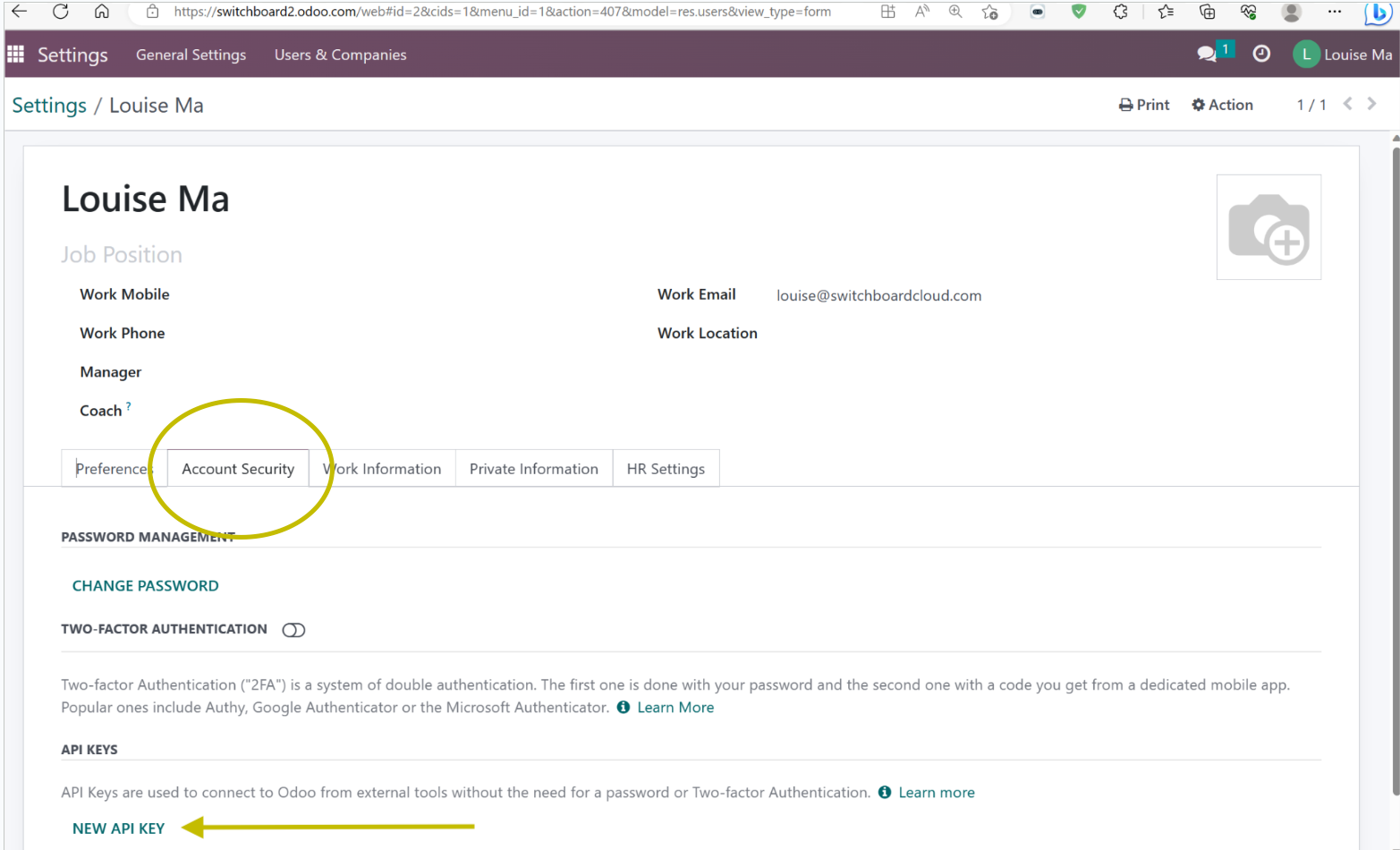
- Go to ‘My Profile’
- Click on the Account Security tab
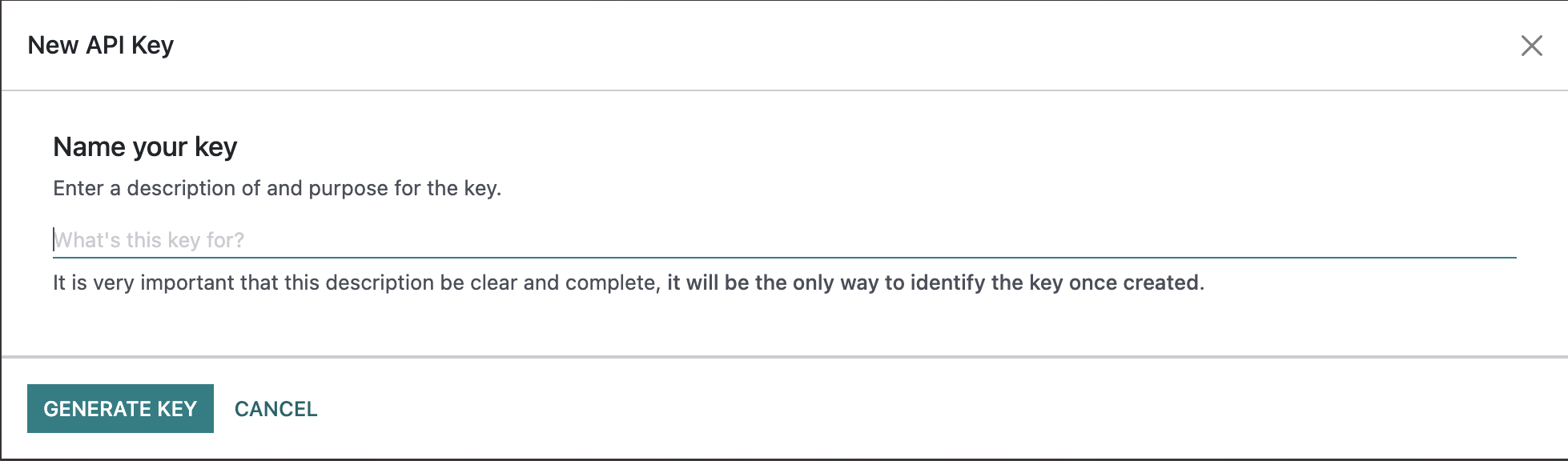
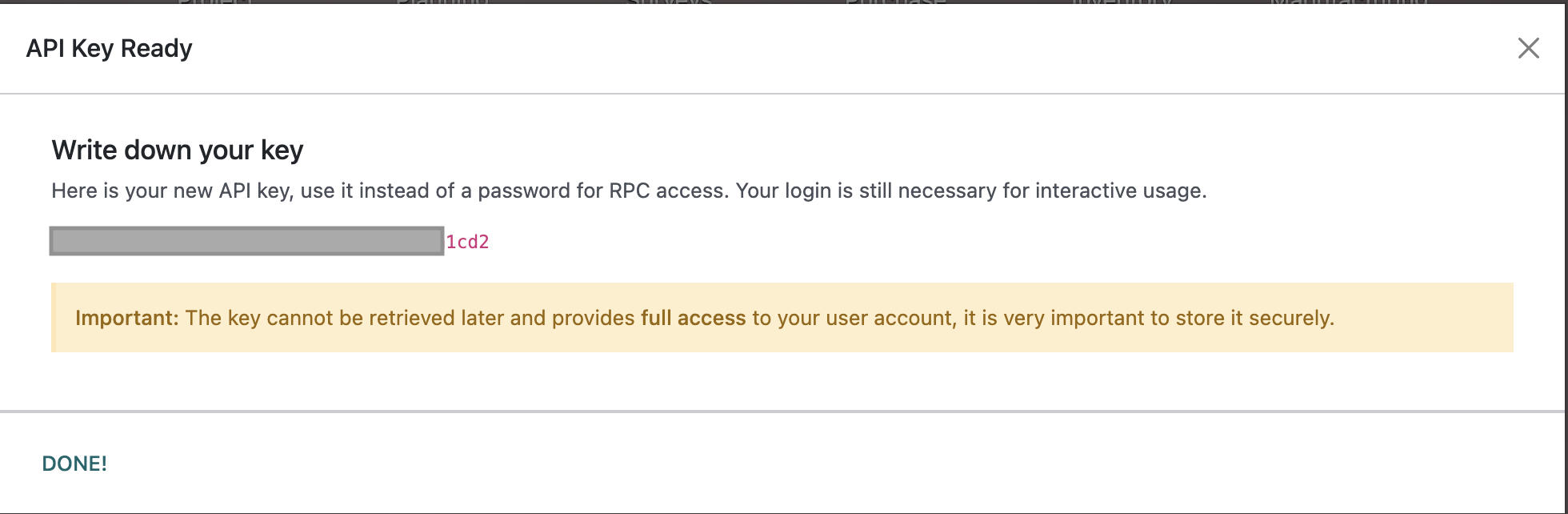
- Under “API KEYS” click ‘NEW API KEY’ (New key will be used as your password)
Odoo Hostname
- Go to ‘My Profile’
- Click on the Account Security tab
- Find the hostname in the URL bar
e.g. in https://switchboard2.odoo.com, the hostname is switchboard2.odoo.com
Odoo Port
- Odoo port is what you observe in the URL in your browser. If you don’t use a specific port, you’re using the default: 443 for HTTPS or 80 for HTTP.
Odoo Database
- Sign in to your Odoo account
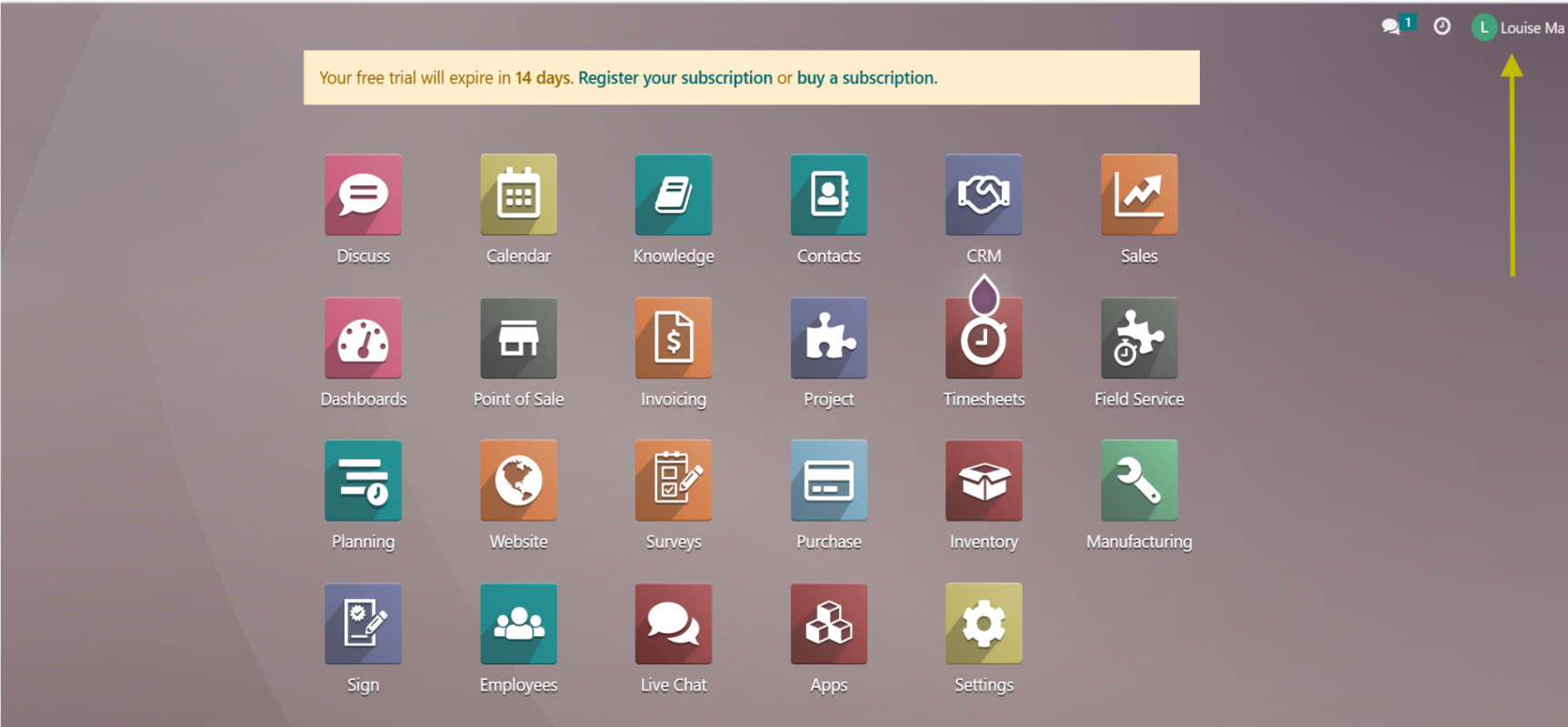
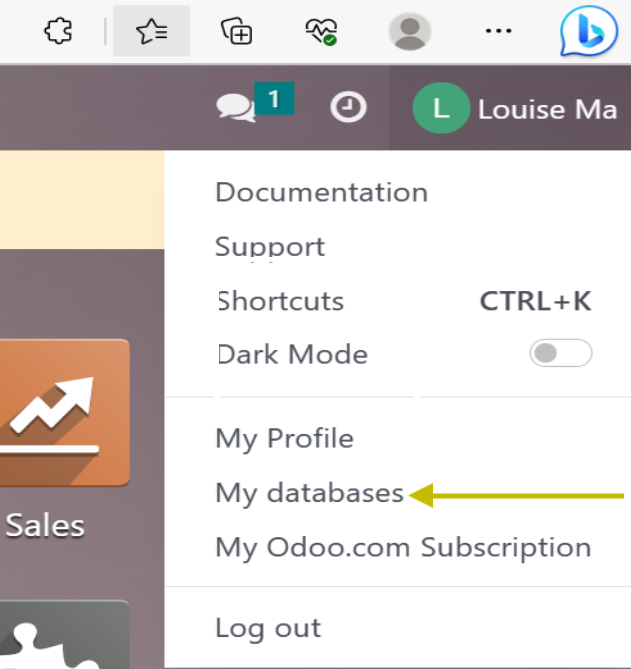
- Go to the top right corner and click your username (abbreviation) button
- Select “My Databases” from the dropdown
- Find your database name